eBPF: A Security Guard Inside Your Computer
What are programs doing inside your computer? Discover how eBPF helps security tools watch their activity, explained with everyday examples and no technical jargon.
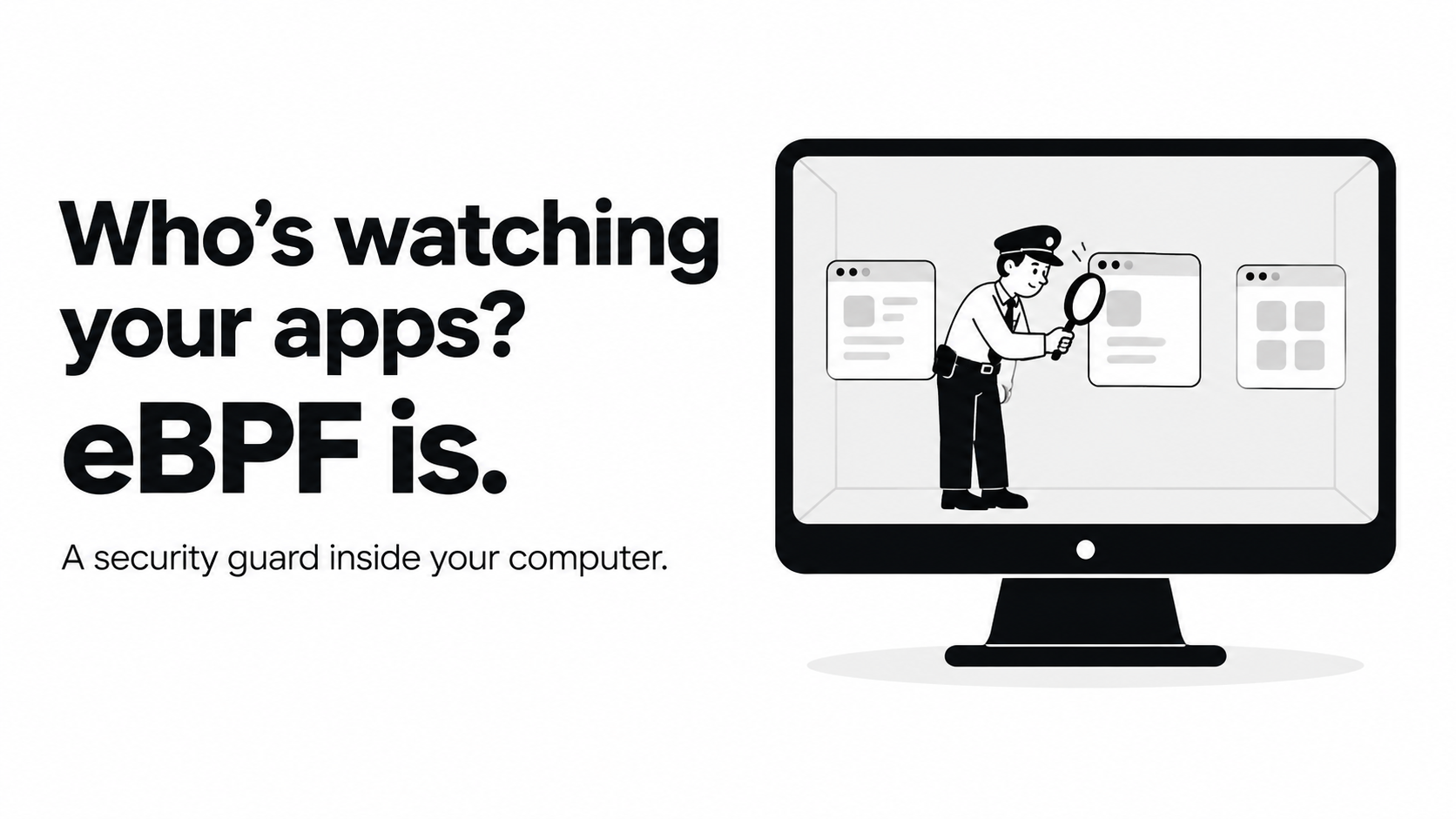
eBPF: A Security Guard Inside Your Computer
Imagine a school with a guard at the front gate. The guard checks who enters, but cannot see everything happening inside the classrooms.
Computer security has a similar challenge. Checking what enters a computer is useful, but we also need to know what programs do once they are running.
That is where eBPF can help.
First, What Is eBPF?
The name sounds complicated, but the basic idea is simple.
Your computer has a core part called the kernel. Think of it as a busy manager that helps programs use memory, open files, and communicate over a network.
eBPF lets small, specially checked programs run inside that core without rewriting it. These programs can help observe what is happening behind the scenes. [1]
Think of them as little reporting stations inside the computer, rather than one guard watching the entrance.
What Can It Watch?
Security tools built with eBPF can help answer questions such as:
- Which program just started?
- Which program tried to open a file?
- Which program made a network connection?
A tool called Tetragon uses eBPF to provide this kind of visibility and can also enforce security rules. [2][3]
A Simple Example
Imagine a calculator app trying to open a private file.
That sounds strange. A calculator should be doing maths, not reading your secrets.
With the right monitoring rules, an eBPF-based security tool could record that attempt and identify the program responsible. With suitable enforcement rules, a tool such as Tetragon can also restrict certain actions. It does not automatically know that every unusual action is an attack; the rules matter. [3]
What Does “Runtime Security” Mean?
“Runtime” simply means while a program is running.
So runtime security means watching and protecting software while it is doing its job, rather than only checking it beforehand. eBPF is one technology used to make that possible. [1]
Think of checking a bicycle before a ride versus noticing a loose wheel during the ride. Both checks are useful, but they happen at different times.
Is It a Magic Shield?
No. eBPF is a building block, not a complete security product on its own. Tools use it to collect information or apply rules, and those rules determine what gets watched or restricted. [1][3]
The exciting part is simple: instead of only asking, “What entered my computer?”, we can also ask, “What is that program doing right now?”
Sources
- What Is eBPF? — An introduction to eBPF and how it works.
- Tetragon Overview — How Tetragon uses eBPF to observe activity and enforce security rules.
- eBPF Applications Landscape — Tools built with eBPF, including Tetragon.